- Log in using your regular UNI and network password here: https://business.columbia.edu/user/login
-
Once you're logged in, you'll see a black toolbar with 3 tabs at the top of the page:
- Manage: Will let you add content.
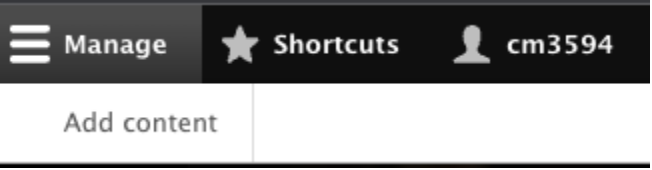
- Shortcuts: Will also let you add content.
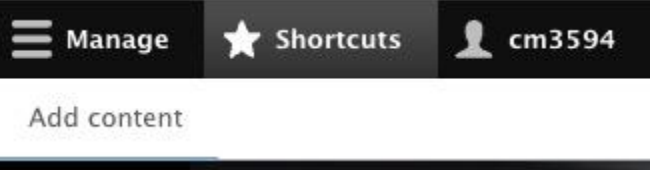
- Your UNI: Will let you view your profile, edit your profile, and log out.
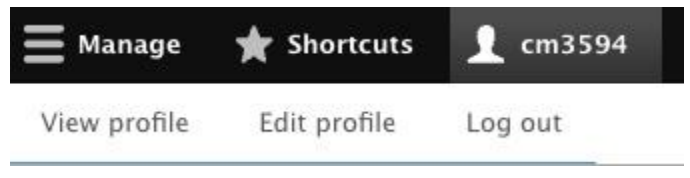
- Manage: Will let you add content.
Adding Content:
- Click either the 'Manage' or 'Shortcuts' tab.
- Click 'Add Content'.
- You will be taken to a page where you can create pages for Awards, Citations, and Media Mentions. Our team is currently working on making other types of content for you to add as well; please stay tuned.
Do you need help?
If so, please reach out to Dave Moretti, Senior Director of Digital Marketing & Technology in the office of Marketing & Communications at dm3830@gsb.columbia.edu.